
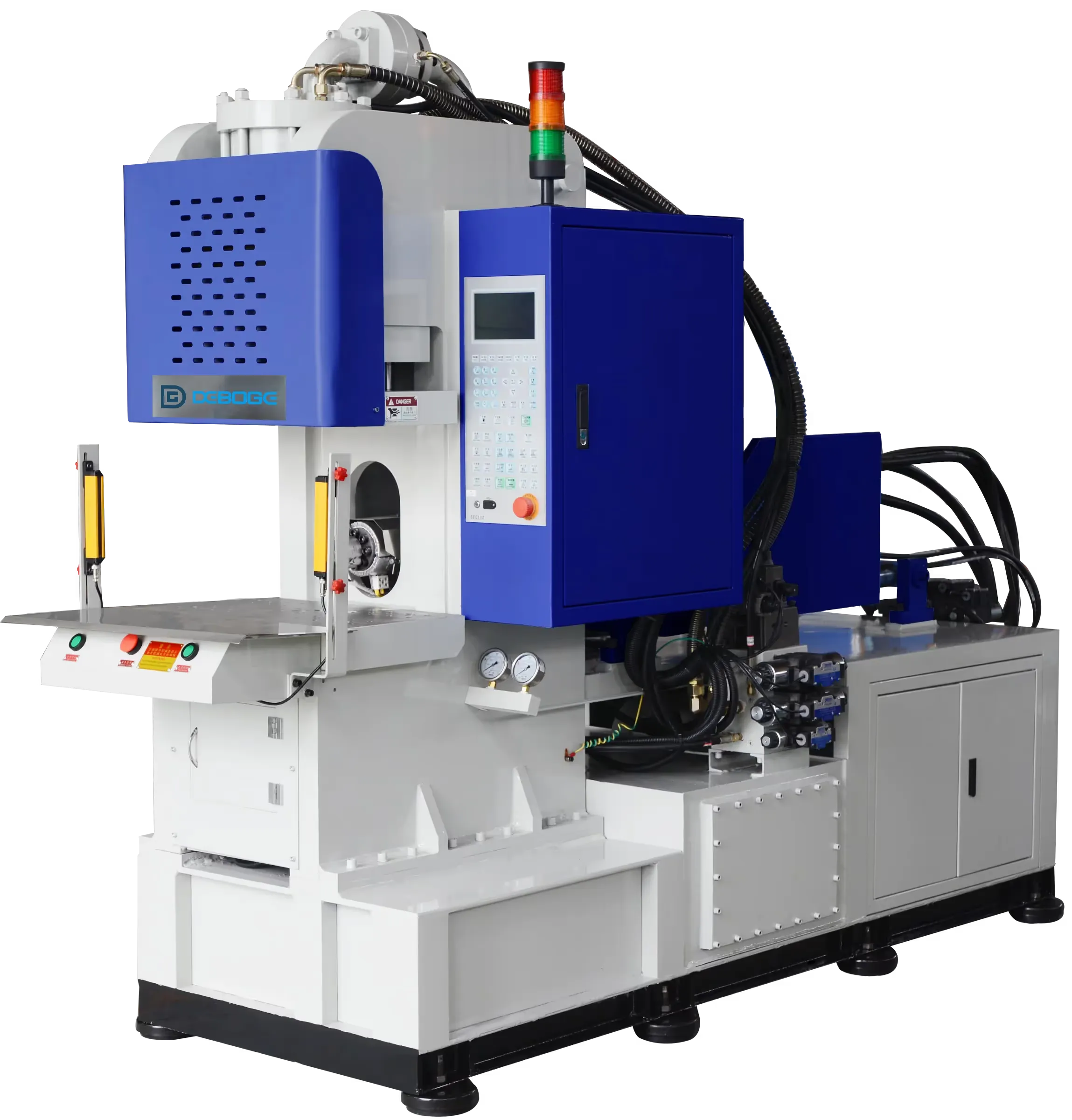
Controller Alarm Information to Record Before Asking for Support
Record controller alarm information, machine state, sequence step, recent changes, photos, videos, and production symptoms before support.
2026-07-12 - 8 min diagnostic read - Category: Machine Alarms & Issues
When a controller alarm appears, the most valuable support step is clear evidence. A short message that includes the alarm screen, machine state, sequence step, recent changes, and production symptom is far easier to review than a general statement that the machine is not working.
Quick Answer
Take screenshots before clearing the alarm. Record what the machine was doing, what changed recently, and what the part or process looked like. If a video is needed, record only from a safe position outside moving areas.
What You May See
- The controller shows an alarm code, alarm text, warning, or stopped sequence.
- The machine stops during clamp, injection, table movement, heating, recovery, or safety confirmation.
- The alarm appears intermittently and is difficult to reproduce.
- Part defects or cycle instability appear together with the alarm.
- The issue began after mold change, material change, maintenance, setting change, or operator workflow change.
Likely Cause Areas
- The support team may not be able to identify the stopped sequence without the exact alarm screen.
- A missing recent-change record can hide the most likely cause.
- A part defect may point to the same issue as the alarm.
- A safe video can show timing, sound, movement, or operator workflow that is not visible in screenshots.
- Different machine series and table types require different review context.
- Repeated resetting without records can erase the pattern needed for diagnosis.
Safe Checks Before Adjustment
Stop automatic operation if movement, alarm, guarding, or operator safety is uncertain. Do not place hands in the mold, table, injection, or guarded area while movement is possible. Use photos, controller screenshots, cycle logs, and safe observation before changing several settings.
Diagnosis Path
- Take a photo or screenshot of the alarm before clearing it.
- Record machine model, table type, operating mode, and current production state.
- Write down the sequence step: clamp, injection, table, heating, recovery, safety, or other.
- Record recent changes in mold, material, inserts, settings, maintenance, or operator workflow.
- Photograph related part defects, mold area, fixtures, inserts, and visible machine condition under safe stopped conditions.
- Record a short safe video only if movement or timing matters and the video can be taken outside moving areas.
- Note whether the alarm repeats every cycle, randomly, after warm-up, after loading, or after a certain station.
- Send the evidence together instead of sending screenshots one by one without context.
Evidence to Collect
| Check | Why It Matters | Evidence to Collect |
|---|---|---|
| Alarm screen | Exact wording prevents guesswork | Photo or screenshot before clearing |
| Machine context | Series, table type, and mode change the review path | Machine model, table type, operating mode |
| Sequence step | The stopped step narrows the technical area | Clamp, injection, table, heating, safety, recovery, or other |
| Recent changes | Most new issues begin after a change | Mold, material, setting, maintenance, or workflow notes |
| Safe visual evidence | Photos and video show symptoms that words miss | Defect photos, fixture photos, safe video if needed |
What Not to Change Too Quickly
- Do not clear the alarm repeatedly without recording it.
- Do not send only “machine has alarm” without the screen and machine state.
- Do not record video from inside moving areas.
- Do not include private personal information in support screenshots or messages.
When to Contact Deboge
Contact Deboge with one complete package: machine model, alarm screenshot, sequence step, recent changes, defect photos if any, safe video if relevant, and current production condition. This shortens the first round of support questions.
Related Reading
Related Reading
Related Questions
What should be sent when asking Deboge about an alarm?
Send the machine model, alarm code or text, controller screenshot, sequence step, recent changes, affected part photos if any, and a safe video if the issue can be recorded.
Should the alarm be photographed before clearing it?
Yes. The alarm screen may contain the exact text, sequence state, and zone information needed for support review.
What makes a support video useful?
A useful video shows the sequence timing, movement, sound, or workflow from a safe position. It should not be recorded inside moving or guarded areas.
Why are recent changes important?
Alarms often begin after mold change, material change, maintenance, setting adjustment, fixture change, or workflow change. That context narrows the review path.
Need help with this issue?
Send the machine model, material, mold or insert details, defect photos, alarm screenshots, and recent changes. Deboge can review the information and suggest the next diagnostic step.