
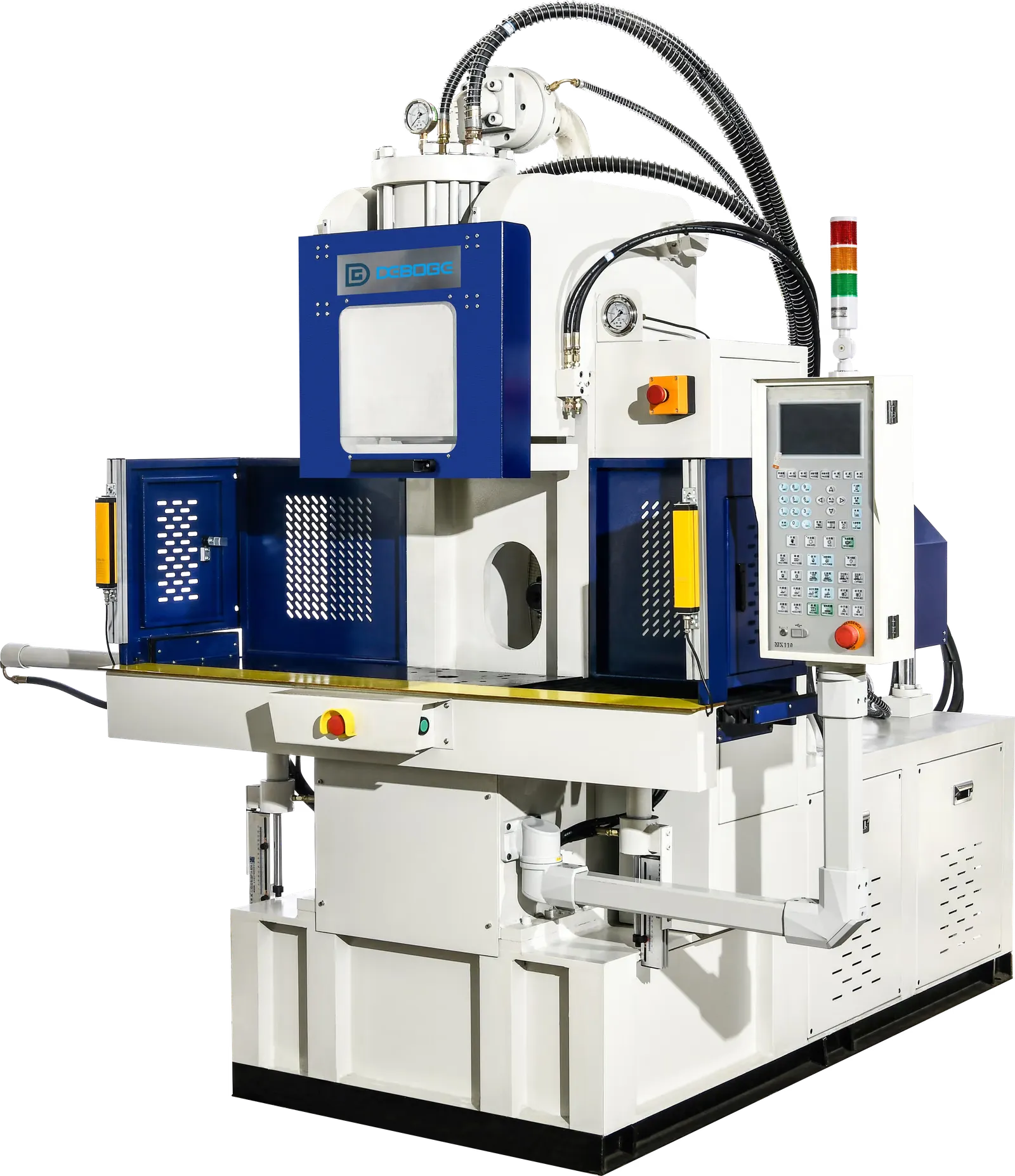
Sensor or Limit Switch Issue: Troubleshooting Record Checklist
Review sensor or limit switch issues by recording signal state, movement step, cable condition, target position, recent maintenance, and repeat pattern.
2026-07-12 - 8 min diagnostic read - Category: Machine Alarms & Issues
Sensor and limit switch issues often appear as movement alarms because the controller waits for confirmation before moving to the next step. The mechanical position may look close, but the sequence cannot continue without the correct signal.
Quick Answer
Record the missing or unstable signal, the movement step, and whether the issue repeats by station or position. Then review target position, cable condition, sensor mounting, contamination, recent maintenance, and I/O status with qualified personnel.
What You May See
- The machine stops while waiting for a position confirmation.
- A table, clamp, injection, safety, or ejector movement appears incomplete on the controller.
- The issue happens intermittently or only on one station.
- The signal changes when cables, fixtures, or moving parts are touched or vibrate.
- The alarm appears after maintenance, cleaning, mold change, or fixture adjustment.
Likely Cause Areas
- Sensor target may not reach the expected position.
- Sensor mounting, alignment, gap, or contamination may affect signal detection.
- Cable, connector, or wiring condition may create unstable feedback.
- Mechanical movement may stop before reaching the sensor because of obstruction or load.
- Controller input or I/O state may not match the actual physical condition.
- Recent maintenance or adjustment may have changed sensor position or target relationship.
Safe Checks Before Adjustment
Stop automatic operation if movement, alarm, guarding, or operator safety is uncertain. Do not place hands in the mold, table, injection, or guarded area while movement is possible. Use photos, controller screenshots, cycle logs, and safe observation before changing several settings.
Diagnosis Path
- Record the alarm text, movement step, and expected signal if shown on the controller.
- Check whether the issue follows a station, side, position, fixture, or movement axis.
- Capture I/O screen or signal state if available.
- Inspect visible sensor target, mounting, cable routing, and contamination under safe stopped conditions.
- Review recent cleaning, mold change, maintenance, or fixture adjustment.
- Ask qualified personnel to verify sensor alignment, wiring, and controller input state.
- Compare sensor issues with table, clamp, injection, or safety alarms that appear at the same time.
- Do not force movement or bypass confirmation signals.
Evidence to Collect
| Check | Why It Matters | Evidence to Collect |
|---|---|---|
| Signal name or alarm | Identifies what confirmation is missing | Controller screenshot and I/O state if available |
| Movement step | Shows which position or sequence depends on the sensor | Written sequence note |
| Station pattern | Station-specific issues often point to target or cable path | Alarm log by station and side |
| Sensor and target condition | Alignment and contamination affect detection | Safe stopped photos |
| Recent maintenance | Adjustment or cleaning can shift the sensor relationship | Maintenance notes and change history |
What Not to Change Too Quickly
- Do not bypass or force sensor signals to continue production.
- Do not adjust sensor position without recording the original condition.
- Do not reach into moving areas to test a signal.
- Do not assume the sensor is faulty before checking target position and cable condition.
When to Contact Deboge
Contact Deboge when a sensor or limit switch issue repeats, follows one station, or blocks machine movement. Send alarm screenshots, I/O state, sensor photos, target position, machine model, and recent maintenance notes.
Related Reading
Related Reading
Related Questions
Why does a sensor issue sometimes look like a movement issue?
The machine sequence often waits for a position confirmation signal. If the signal is missing or unstable, the movement may stop even if the mechanical position looks close.
What should be recorded from the controller?
Record the alarm text, movement step, I/O state if available, station, machine mode, and the time when the signal fails.
Can cleaning or maintenance create a sensor issue?
Yes. Cleaning, cable movement, fixture changes, mold installation, or sensor adjustment can change alignment or signal stability.
Should a sensor be bypassed for testing?
No. Signal bypassing can create unsafe conditions and should not be used as a production workaround.
Need help with this issue?
Send the machine model, material, mold or insert details, defect photos, alarm screenshots, and recent changes. Deboge can review the information and suggest the next diagnostic step.