
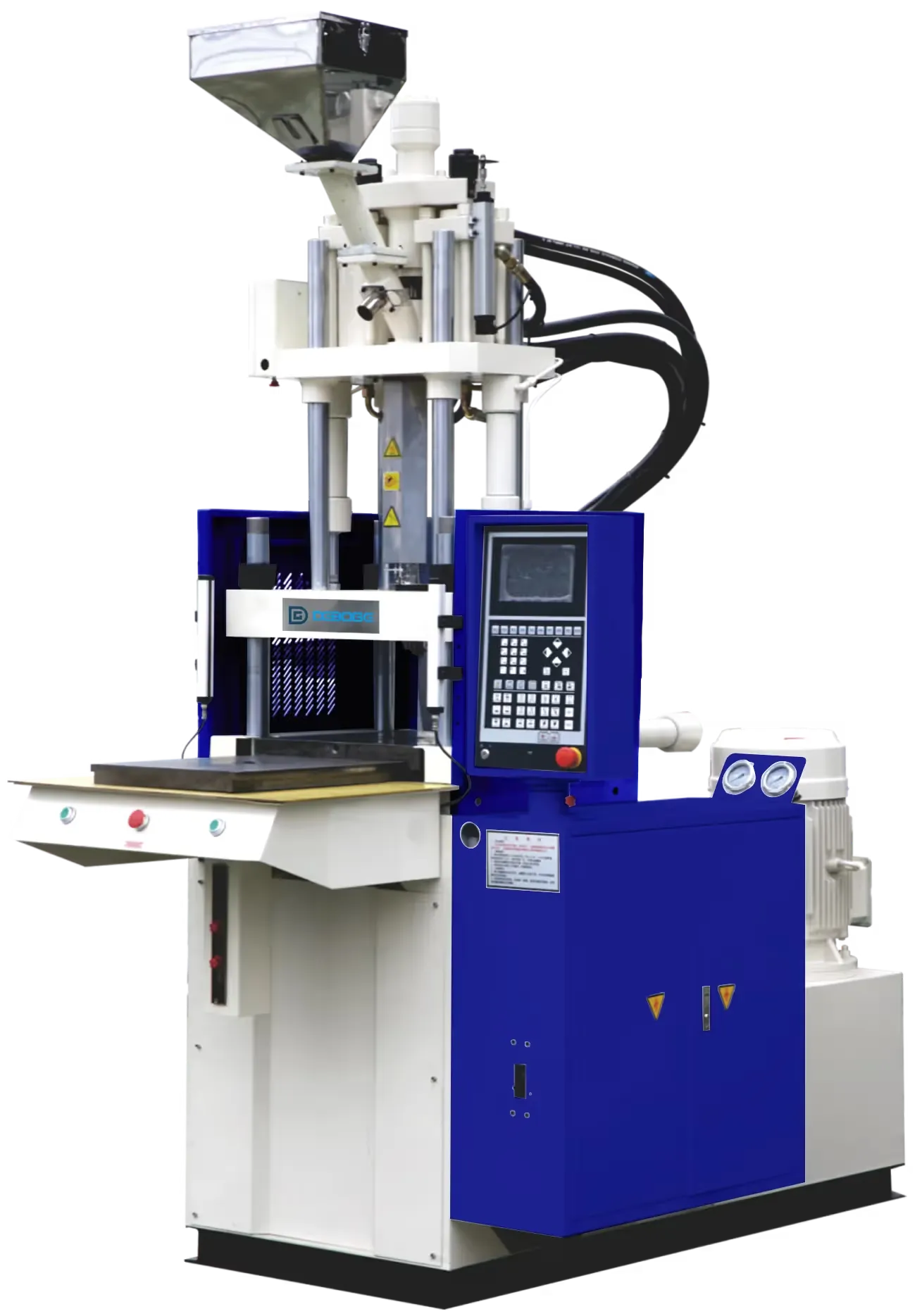
Sensor and Cable Visual Inspection Checklist
Use this visual checklist to record sensor, cable, connector, and movement-area conditions before troubleshooting repeated alarms or unstable machine sequence.
2026-07-12 - 5 min support note - Category: Maintenance
Sensors and cables are part of the machine sequence. A loose connector, damaged cable sleeve, unsupported cable movement, or contaminated sensing area can create repeated stops or unclear alarms. This checklist helps teams record visible conditions before support review.
Do not access protected areas while the machine is active.
Areas to Observe
From a safe position, record:
- Cables near table, slide, rotary, clamp, ejector, and loading areas.
- Cable sleeves, clamps, ties, and support points.
- Visible connector condition.
- Sensor mounting area if it can be seen safely.
- Areas where cables may rub during movement.
- Any recent mold, fixture, robot, or auxiliary equipment change.
The goal is to identify visible clues, not to repair the machine during production.
When Sensor or Cable Records Matter
Include sensor and cable photos when:
- An alarm repeats at the same cycle step.
- The machine stops during table, slide, or rotary movement.
- A robot or auxiliary device waits unexpectedly.
- The issue appears after mold changeover or maintenance.
- The issue appears only when a certain fixture or cable path is used.
Support can use the photos to decide whether more detailed inspection is needed.
Screenshot Pairing
Pair visual photos with controller screenshots. A photo of a cable area alone may not show why the machine stopped. An alarm screen alone may not show what changed in the work area. Together, they give support a clearer starting point.
Safety Notes
If a cable looks damaged, hot, pinched, or exposed, stop and involve qualified personnel. Do not continue production simply because the machine can be reset.
Related Reading
Related Reading
FAQ
Support review questions
Should operators reconnect sensor cables during production?
Need help reviewing this machine condition?
Send the machine model, controller screenshots, current mold or product, recent changes, and safe photos or video. Deboge can review the information and suggest the next support step.